Up
PowerPointPipe Screen shots and Demos
Demos
Click below for the PowerPointPipe demo (requires Flash)
WordPipe, ExcelPipe and PowerPointPipe combined demo
Files to Process Tab
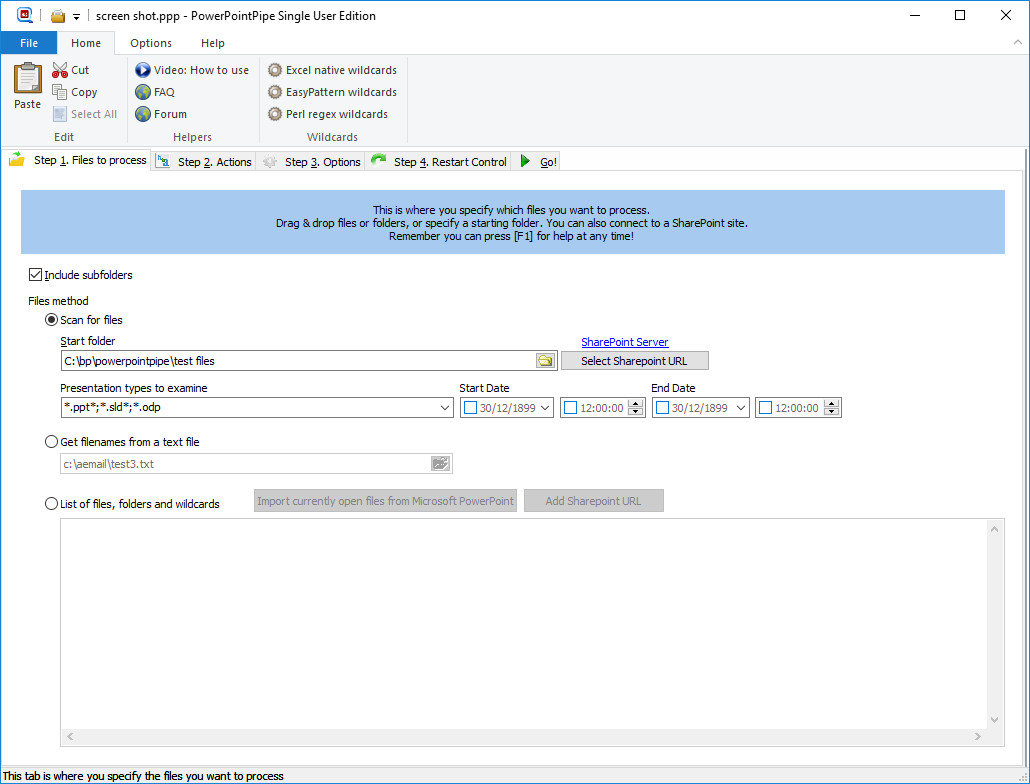
Figure 1. The Files to Process tab controls which files are search and replaced.
Actions Tab
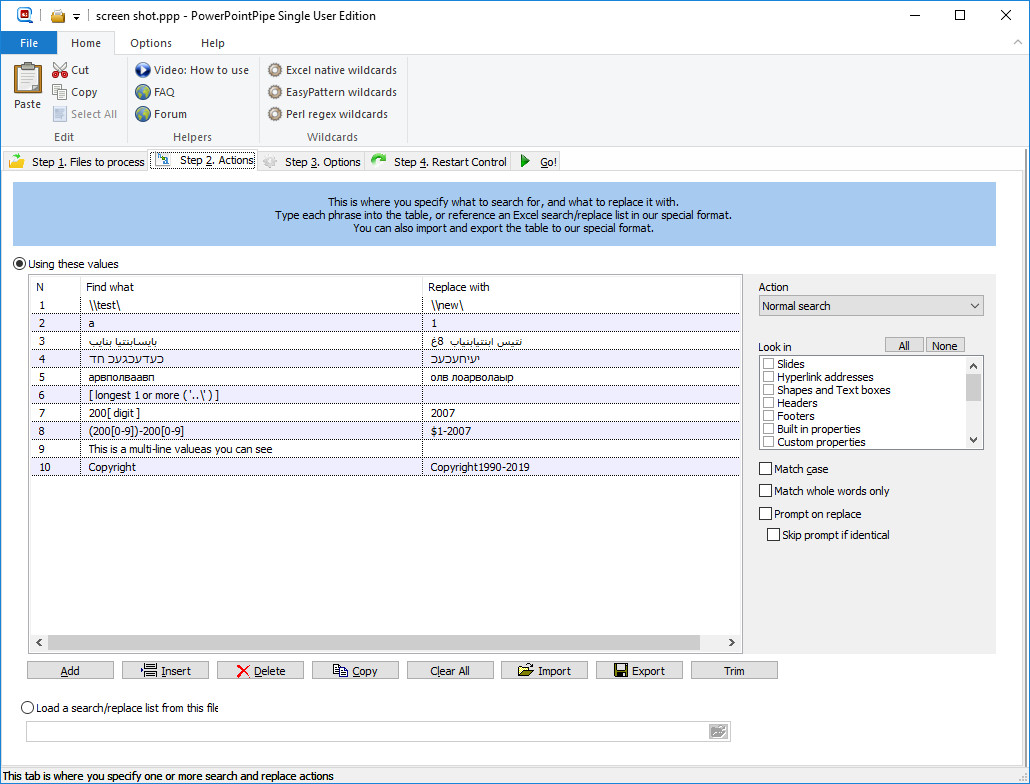
Figure 2. The Actions tab. This is where you specify a list of search/replace pairs, or an external search/replace grid such as an Excel spreadsheet, or a .CSV or .TAB file. It also controls Where search terms are found, such as in Slides, Text boxes, document properties and much more.
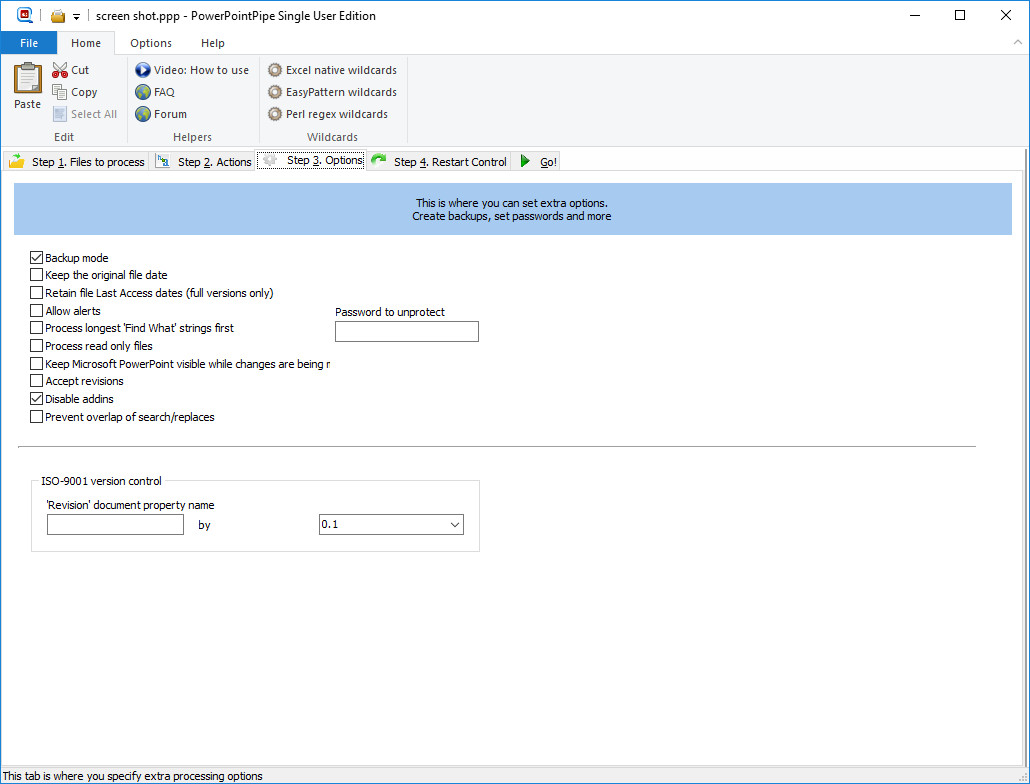
Options Tab
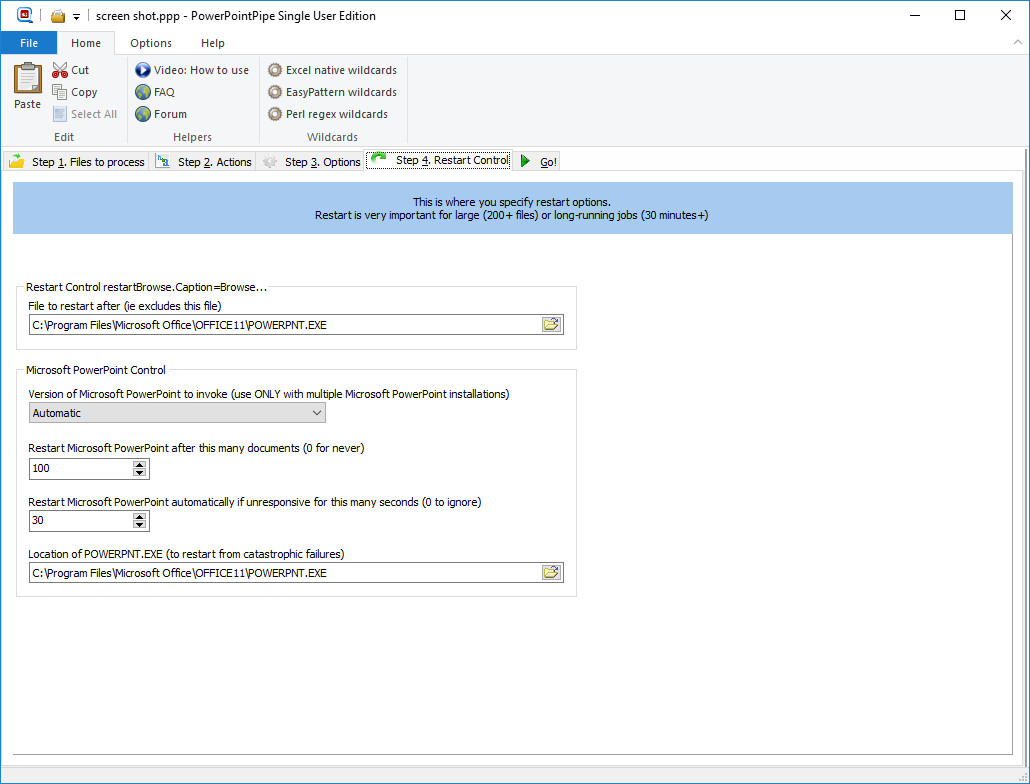
Restart Tab
Go Tab
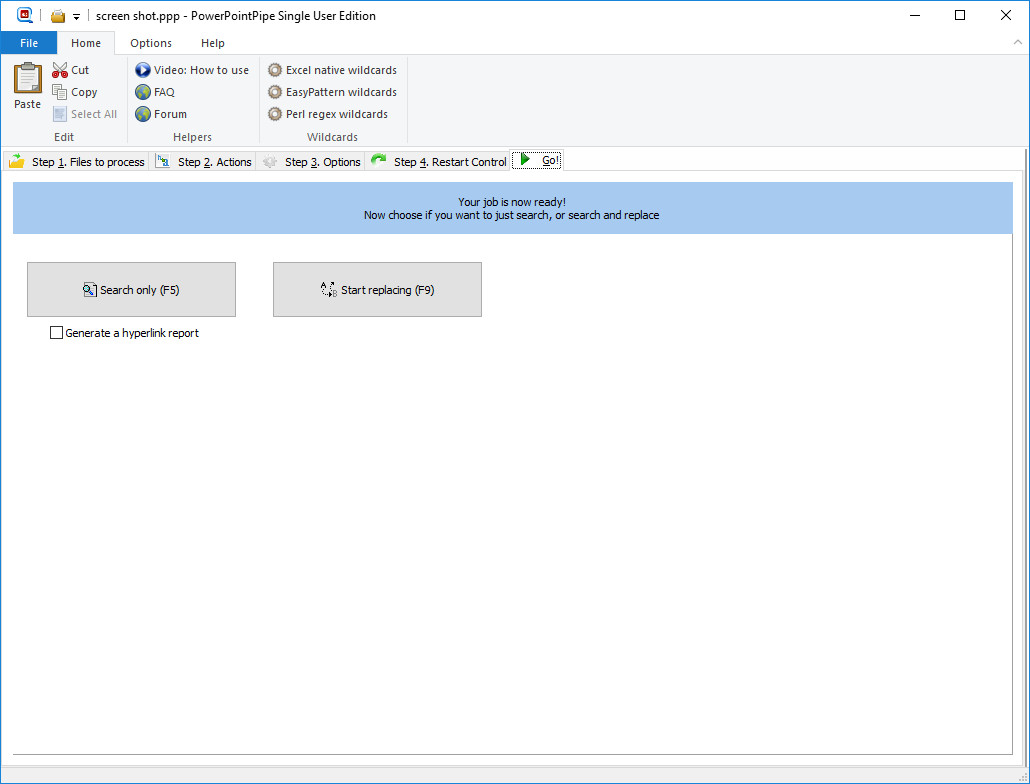
Figure 5. The Go tab starts the job.
Status Window
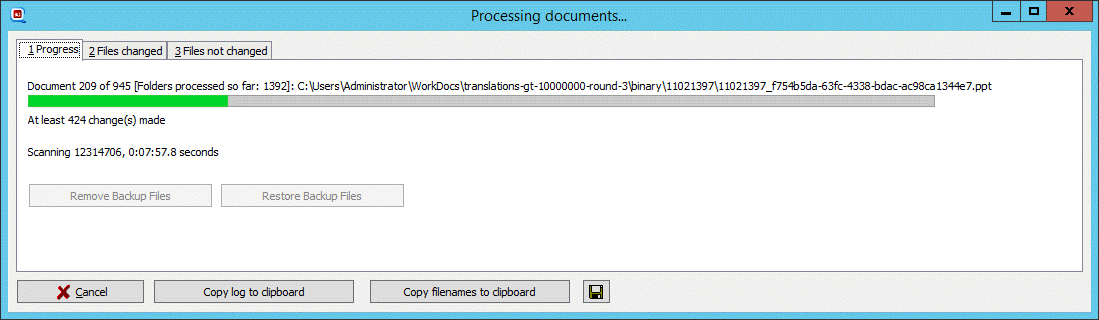
Figure 6. The Status Window shows how the job is progressing.
Buy Download WordPipe, ExcelPipe and PowerPointPipe combined demo